
Payment Integration
The Payments tab is where you manage your property's financial settings, track transactions, and configure your connection to the Xendit payment gateway.
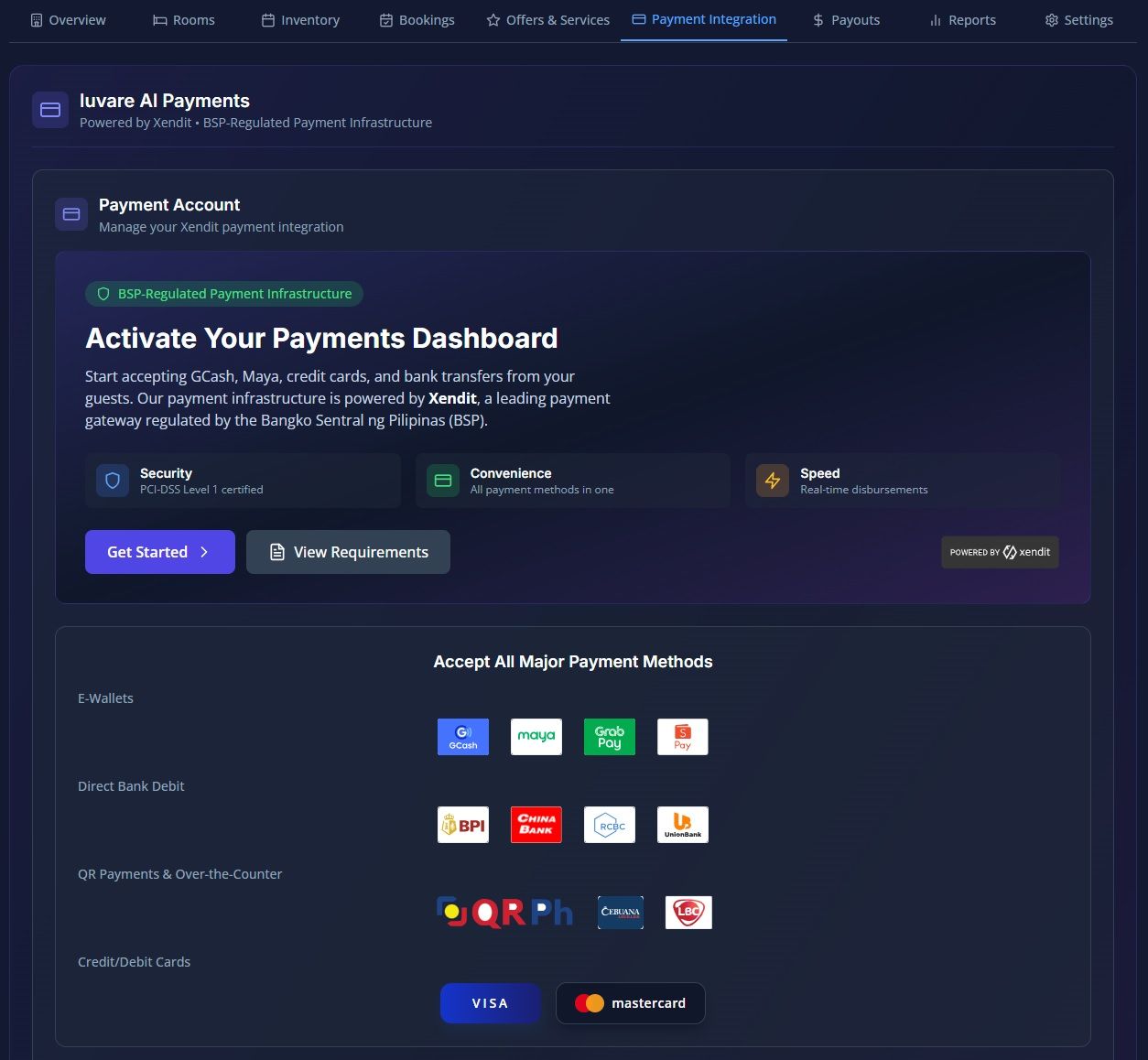
The Payments tab is where you manage your property's financial settings, track transactions, and configure your connection to the Xendit payment gateway. This centralized hub ensures you can securely collect payments online while keeping track of your exact net earnings.
Here is a breakdown of how to manage your payments and financial settings:
1. Payment Account (Xendit Sub-Account) Setup
To process online payments, your property is provided with its own dedicated Xendit sub-account. During onboarding, you will need to provide your business name and email to initiate the Know Your Customer (KYC) verification.
You can track your account's onboarding progress through these key statuses:
- PENDING / INVITED: Account setup is initiated, and an invitation has been sent to your email.
- VERIFICATION_SUBMITTED: Your business documents are currently being reviewed.
- VERIFIED: Your account is fully verified and your live status will show as LIVE (ready to transact).(Note: Tenants on a commission-based plan must complete this verification to activate the "Instant Confirmation" online payment mode).
2. Supported Payment Methods
Once verified, the integration automatically supports a wide spectrum of Philippine payment methods, allowing guests to pay under your official registered business name. Supported methods include:
- E-Wallets: GCash, Maya, GrabPay, ShopeePay.
- Cards: Local and International Visa / Mastercard (Credit and Debit).
- Bank Transfers (Direct Debit): BPI, UnionBank, RCBC, Chinabank.
- QR & Over-the-Counter: QR Ph, 7-Eleven, Cebuana, LBC, Palawan, SM, and MLhuillier.